INSTRUCTIONSTHE HALLOWEEN CONICAL-MINI
GHOUL-GLO CONICAL-MINI Instructions
Product Instructions & Safety Information
Product Overview
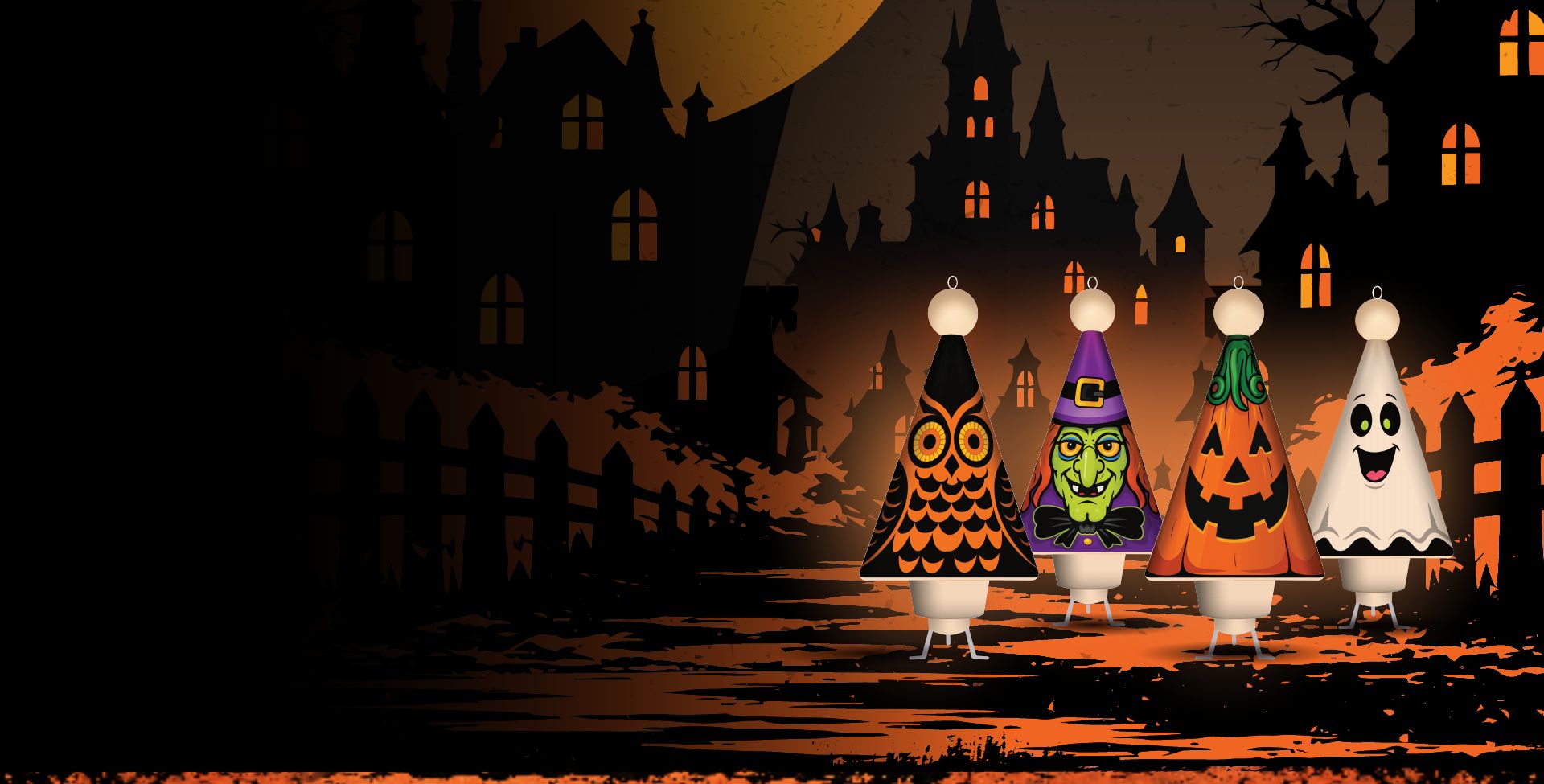
The Halloween CONICAL-MINI is a unique, 3D-printed Halloween ornament designed by GHOUL-GLO, from the makers of YULE-GLO. It features a single LED for soft, ambient lighting and is powered by (3) LR44 coin-cell batteries, providing up to 30 hours of light. The ornament has an integrated hook for easy hanging and maintenance (the hook is fixed to the ornament and should NOT be removed as it may break). This product is intended for indoor use only and is designed solely for decorative purposes. It is not a toy and should be kept out of the reach of children.
Important Safety Information
- Indoor Use Only: The CONICAL-MINI is designed exclusively for indoor use. Exposure to outdoor elements may damage the product.
- Care & Handling: To maintain the quality of the ornament, make sure your hands are clean when handling the CONICAL-MINI to prevent dirt or oils from damaging the 3D-printed material.
- Not a Toy: This product is meant for decorative purposes only. It is not a toy and should not be handled by children.
- Battery Precautions: This product uses (3) LR44 coin-cell batteries. To avoid the risk of injury or damage:
- Keep batteries out of reach of children. Coin-cell batteries pose a choking hazard and can cause serious internal injury if swallowed.
- Follow proper disposal practices for coin-cell batteries in compliance with U.S. regulations (see below).
- Battery Disposal: Coin-cell batteries must be disposed of in accordance with local and federal guidelines. Do not throw batteries in household trash or incinerate them. Look for battery recycling options in your area, or consult the U.S. Environmental Protection Agency (EPA) for more information.
- Safety Standards: Batteries should be stored and handled carefully to prevent accidental ingestion by children. If a battery is swallowed, seek medical attention immediately!
- CONICAL-MINI Storage: Store the ornament in a cool, dry place to prevent heat and moisture from damaging the decorative decals. Remove the batteries from the unit before storage to avoid possible corrosion inside the LED light unit.
Additional Product Notes
- Secure Construction: The CONICAL-MINI is made of two printed sections that thread into each other. Do not cross-thread or force the base and top together, as this may damage the ornament or affect its structural integrity.
- LED Light Output: As battery power decreases, expect minor changes in LED brightness. Replace the batteries as needed to maintain the best performance.
- 3D-Printed Material: Due to the nature of 3D printing, slight variations in texture or finish may occur. These differences do not affect the product's function.
By following these instructions, you can enjoy your GHOUL-GLO CONICAL-MINI for many Halloweens to come!
CONICAL-MINI Operating Instructions
- General Operation: The simple design features an easy-to-push ON/OFF button; there is no timer function. Press the white button on the top of the ornament to turn it ON; press again to turn it OFF.
- CONICAL-MINI Tabletop Stand: Your ornament can be displayed on a tabletop or any flat surface with the included CONICAL-MINI stand. The stand fits around the light unit in the bottom of the base. Place the stand on a surface, then set the CONICAL-MINI into the stand, lining up the square section of the light housing with the square section in the stand. Do not push down or apply pressure to the stand, as this could damage it.
Battery Replacement Instructions
1. Prepare to Remove the Light
Carefully remove the CONICAL-MINI from where it is hanging or from its stand. Make sure the ornament is switched off before handling.
2. Remove the LED Light Unit
- Hold the ornament steady and unscrew the bottom base, twisting to the left until the base detaches from the top. Do not twist or apply excessive force, to avoid damaging the threaded plastic or the light unit.
- To remove the light, gently use your thumbs to push the light unit up into the base until it pops out. The light may turn on if you bump the switch; this is normal.
- Once the light unit and base are separated, set the base aside and move on to the next step.
3. Open the Light Unit
- Place your thumbs on the top access ridge of the LED unit. Carefully pull the unit apart without twisting or using tools, which could damage it. Then use both thumbs again to open the bottom section of the light.
4. Replace the Batteries
- Remove the used LR44 batteries and dispose of them following U.S. guidelines for coin-cell battery disposal.
- Insert the new LR44 batteries with the + (positive) side facing the spring and the - (negative) side facing the switch. If the switch becomes dislodged, gently push it back into place.
5. Reassemble the Light Housing
- Carefully close the light unit until you hear a soft click, making sure it is fully secured and locked.
6. Reinsert the Light Unit
- Insert the light unit back into the base from the inside, with the light button facing down toward the light hole. Line up the light unit's flat, square section with the ornament's opening, then gently push it in until it is fully seated and you hear it snap into place.
- The first few times you remove and reinstall the light it may feel like a tight fit. This is expected.
- With the light reinstalled, hold the CONICAL-MINI with the ball facing the ground and gently screw the base back into the top section.
- Make sure the threads go in smoothly and line up the seam on the base with the decal seam on the top section. When aligned correctly, you should feel the base tighten into the top section. Do not force or overtighten the base, as this could damage the threads.
7. Enjoy Your CONICAL-MINI
- Your ornament is ready for up to 30 hours of light. As the batteries wear down, you may notice changes in the brightness of the LED.
Questions or concerns? Contact us at info@yule-glo.com